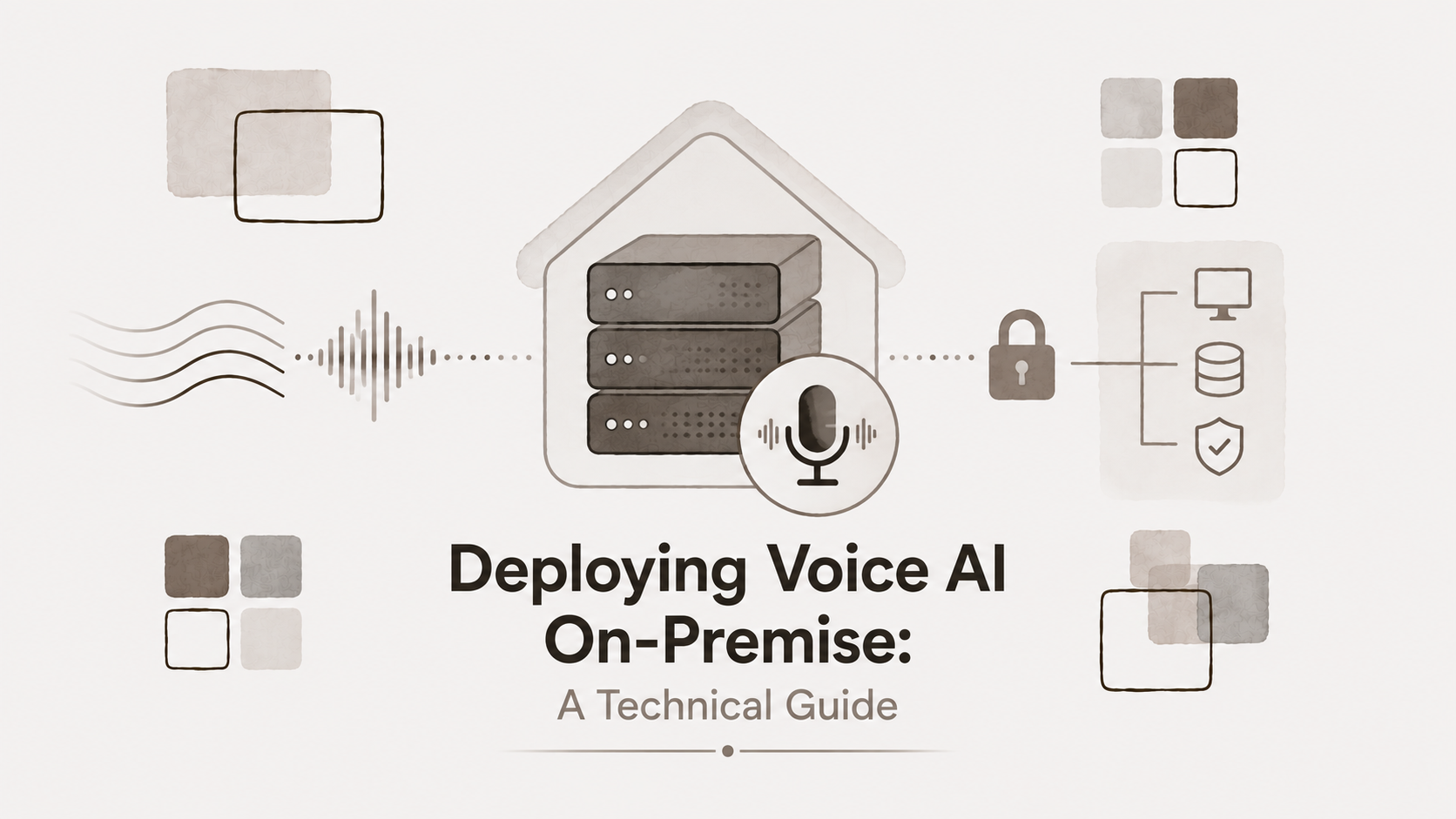
For many enterprises, keeping data within their own infrastructure isn't optional — it's a compliance requirement. Crystal AI's on-premise deployment option gives you full control without sacrificing performance.
Deployment Options
We support three deployment modes:
| Mode | Best For | Latency | Cost |
|---|---|---|---|
| Cloud | Startups, MVPs | 50ms | Pay-per-use |
| VPC | Regulated industries | 60ms | Monthly license |
| On-Premise | Maximum control | 45ms | Annual license |
Architecture
On-premise deployments run our optimized inference stack on your hardware:
┌─────────────────────────────────────────┐
│              Your Infrastructure         │
├─────────────────────────────────────────┤
│  ┌─────────┐  ┌─────────┐  ┌─────────┐ │
│  │  STT    │  │  TTS    │  │  Voice  │ │
│  │  (Ink)  │  │ (Sonic) │  │  Agent  │ │
│  └────┬────┘  └────┬────┘  └────┬────┘ │
│       │            │            │       │
│  ┌────┴────────────┴────────────┴────┐  │
│  │     Crystal AI Inference Engine     │  │
│  │     (GPU-optimized, Docker)       │  │
│  └───────────────────────────────────┘  │
└─────────────────────────────────────────┘
Requirements
- GPU: NVIDIA A10G or better (minimum 2 per node)
- RAM: 32GB per inference node
- Storage: 500GB for model weights
- Network: Low-latency connection between nodes
Getting Started
# Pull the Crystal AI inference image
docker pull crystal-ai/inference:latest

# Start the stack
docker-compose up -d

# Verify health
curl http://localhost:8080/health
On-premise deployments include 24/7 support and quarterly model updates. Contact our sales team for pricing and hardware recommendations.
Performance Tuning
For optimal performance:
- Use dedicated GPU nodes — Don't share with other workloads
- Enable TensorRT — 2-3x inference speedup
- Configure batch sizes — Match your throughput requirements
- Monitor GPU utilization — Target 70-85% for headroom
Conclusion
On-premise deployment gives you the best of both worlds: enterprise-grade voice AI with full control over your data and infrastructure.